How to Reduce Ping and Lag on Fiber Internet
In today’s fast-moving digital world, fiber internet has become essential in Bangladesh. From competitive gamers in Dhaka to freelancers in Chittagong, everyone depends on a stable, low-latency connection for work, entertainment, and communication.
Fiber internet promises high speed, but speed alone does not guarantee smooth performance. Many users still face high ping, lag spikes, and sudden disconnections. Understanding how to reduce ping and lag on fiber internet is the key to unlocking the true benefits of fiber connectivity in Bangladesh.
This guide explains the real causes of lag and provides practical solutions tailored specifically for Bangladeshi internet infrastructure.
Understanding Ping and Lag on Fiber Internet
Ping is the reaction time of your internet connection. It measures how long it takes for data to travel from your device to a server and return. Ping is measured in milliseconds, and lower values mean faster response.
Lag is the visible delay caused by high ping, packet loss, or unstable routing. When ping increases, actions such as gaming movements, voice calls, or video streams become delayed or choppy.
Even with fiber internet, lag can occur due to poor routing, network congestion, or local hardware limitations. Knowing this helps you fix the real problem instead of assuming speed is the issue.
Why Fiber Internet Users in Bangladesh Experience High Ping
Fiber infrastructure in Bangladesh has improved, but several local factors still affect latency.
Most internet traffic passes through International Internet Gateways (IIG) and submarine cable systems such as SEA-ME-WE 4 and SEA-ME-WE 5. If an ISP uses inefficient routing or faces congestion at these gateways, ping increases significantly.
Damaged overhead fiber lines, poor last-mile connections, and shared bandwidth during peak hours also contribute to lag. These problems explain why fiber internet can feel slow despite high advertised speeds.
Finding the Best Internet Speed for Gaming in Bangladesh
How to Reduce Ping and Lag on Fiber Internet Effectively
Reducing lag is not about upgrading speed plans. It is about optimizing how your data travels from your device to the server.
The following strategies are proven to work in Bangladesh’s real network conditions.
Use a Wired Ethernet Connection Instead of Wi-Fi
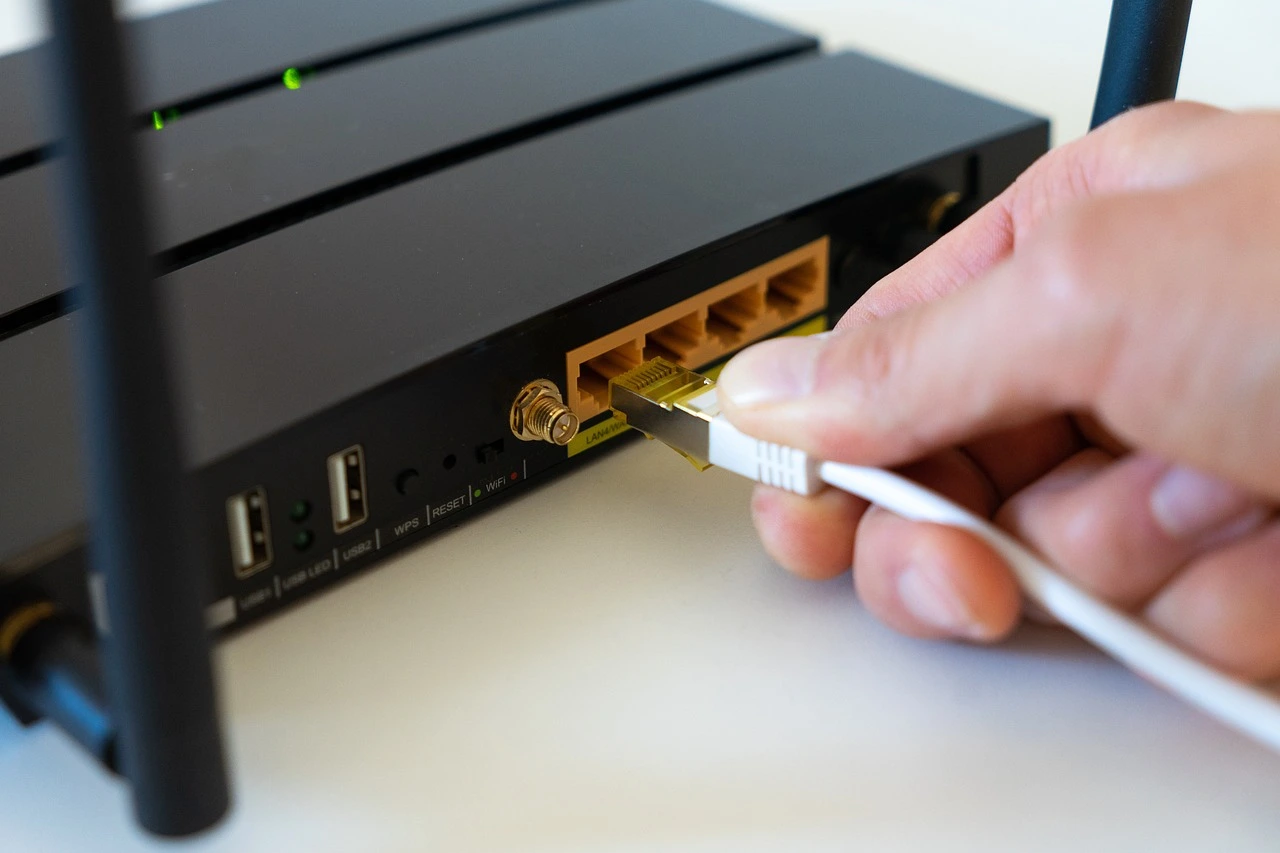
The most effective way to reduce ping and lag on fiber internet is to use a wired connection.
Wi-Fi signals in Bangladesh often face interference from thick concrete walls, nearby routers, and electrical devices. This interference causes jitter, packet loss, and unstable latency.
Using a Cat6 or Cat7 Ethernet cable provides a direct, interference-free connection. For online gaming, video meetings, and live streaming, a wired connection delivers consistent low ping.
Upgrade Your Router for Fiber Performance
Many ISPs provide low-cost routers that struggle with high-speed fiber connections.
These routers cannot handle multiple devices efficiently and often cause bufferbloat, which leads to lag even when internet speed looks normal.
Choose a router that supports:
Gigabit Ethernet ports
Dual-band or tri-band Wi-Fi
Advanced Quality of Service controls
A quality router alone can significantly improve stability and reduce ping.
How to Reduce Ping and Lag on Fiber Internet Using QoS
When multiple devices share the same connection, background activities can cause lag spikes.
This problem is known as bufferbloat. It happens when your router becomes overloaded with traffic and delays important data packets.
Enabling Quality of Service (QoS) allows your router to prioritize critical traffic such as gaming, video calls, or work applications. By giving priority to your main device, you can maintain low ping even during heavy network usage.
Fiber vs Cable Internet: Which Is Better for You?
How to Reduce Ping and Lag on Fiber Internet by Optimizing DNS
DNS plays a vital role in how quickly your device connects to websites and servers.
Many ISPs in Bangladesh use slow or congested DNS servers, which increases response time.
Switching to a global DNS provider improves connection speed and stability.
Recommended DNS options:
Google DNS: 8.8.8.8 and 8.8.4.4
Cloudflare DNS: 1.1.1.1 and 1.0.0.1
OpenDNS: 208.67.222.222 and 208.67.220.220
Using a faster DNS helps your device resolve server addresses quicker, reducing delays during browsing and gaming.
How to Reduce Ping and Lag on Fiber Internet with BDIX
For users in Bangladesh, BDIX (Bangladesh Internet Exchange) is extremely important.
BDIX allows local internet traffic to stay within the country instead of routing through international servers. This significantly reduces latency for local content.
ISPs with strong BDIX integration can deliver ping as low as 1ms to 5ms for local servers, FTP access, and supported gaming platforms.
When choosing a fiber internet provider, ensure they offer high-quality BDIX connectivity for the best local performance.
How to Reduce Ping and Lag on Fiber Internet for Online Gaming
Online games are highly sensitive to latency. Even small ping fluctuations can affect performance.
Choose the Nearest Game Server
Always select Asia-based servers such as Singapore or India. Avoid European or North American servers, as distance increases ping regardless of fiber speed.
Avoid Using VPNs While Gaming
VPNs add extra routing layers, which increase latency. Unless a VPN is specifically optimized for gaming and nearby servers, it will cause higher ping and packet loss.
Close Background Applications
Automatic updates, cloud backups, and streaming services consume bandwidth silently. Closing unnecessary applications before gaming helps maintain stable ping.
10 Simple Hacks to Improve Your Internet Speed
How to Reduce Ping and Lag on Fiber Internet for Work and Video Calls
Freelancers and remote workers in Bangladesh rely heavily on stable connections.
Use Ethernet for Work Devices
Wi-Fi drops can freeze video calls and cause voice delays. A wired connection ensures consistent performance during meetings and screen sharing.
Manage Network Usage During Office Hours
Schedule large downloads outside working hours. Shared bandwidth during work time increases lag and reduces call quality.
How to Reduce Ping and Lag on Fiber Internet During Peak Hours
Peak internet usage in Bangladesh typically occurs between 7 PM and 12 AM.
During this time, shared bandwidth becomes congested, especially on residential connections.
You can reduce lag by:
Limiting bandwidth for non-essential devices
Prioritizing important traffic through QoS
Avoiding heavy downloads during peak hours
Some ISPs also offer dedicated or business-grade fiber plans that reduce congestion.
How to Reduce Ping and Lag on Fiber Internet by Fixing Packet Loss
Packet loss causes stuttering, rubber-banding, and sudden disconnections.
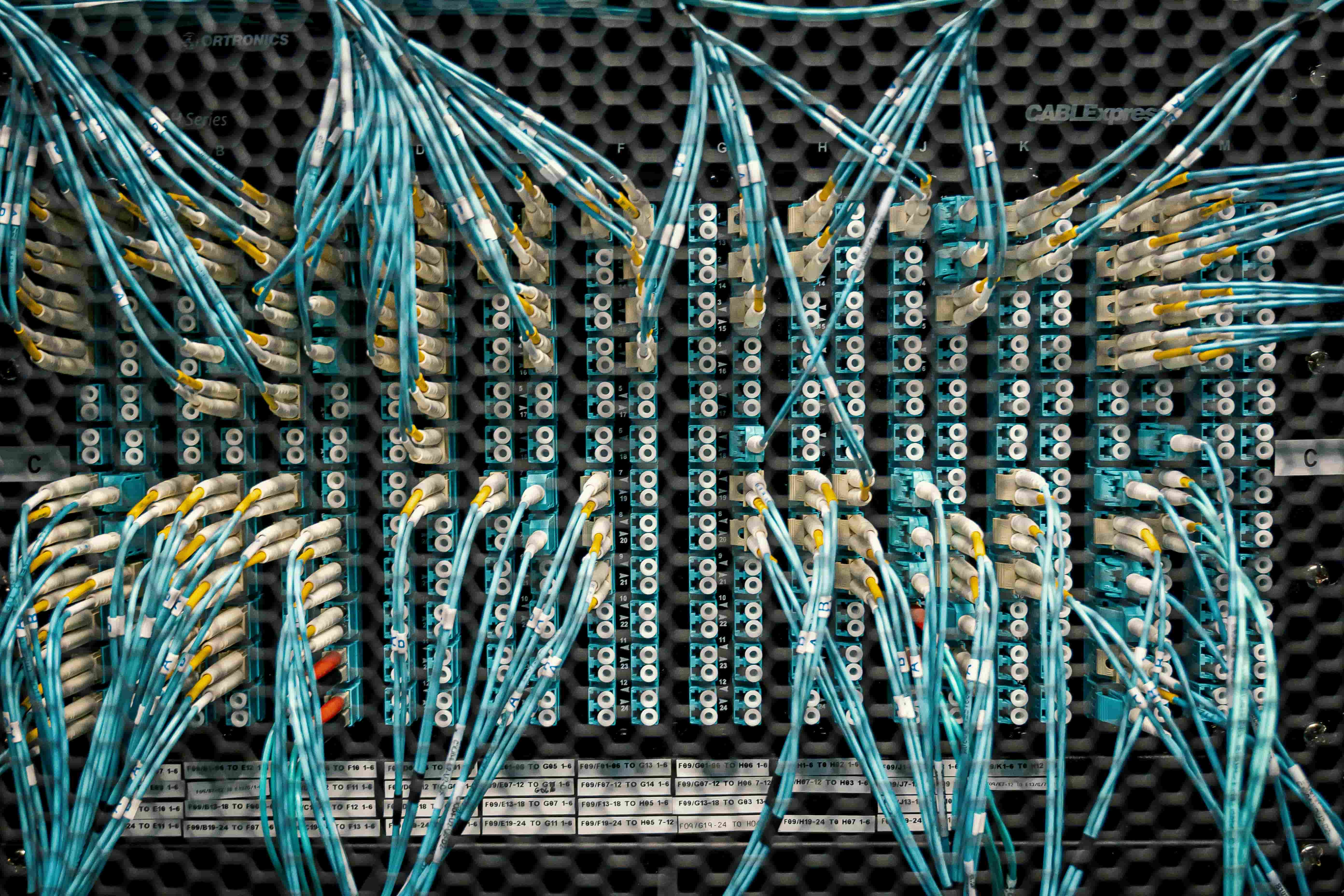
Check your physical setup carefully. Loose fiber connectors, damaged LAN cables, or low-quality switches often cause intermittent packet loss.
Replace old Ethernet cables and ensure all connections are secure. If you use a network switch, confirm it supports gigabit speeds.
How to Reduce Ping and Lag on Fiber Internet Using Wi-Fi Optimization
If you must use Wi-Fi, proper configuration is essential.
In high-density areas like Mirpur, Banani, or Uttara, the 2.4GHz band is overcrowded. Switch your router to the 5GHz band for cleaner channels and lower interference.
Position your router in an open area and keep firmware updated for best performance.
Device-Level Tweaks to Reduce Ping and Lag
Your computer or console also affects network performance.
Keep network drivers updated to avoid inefficiencies. Disable power-saving features on network adapters, as they can reduce connection stability.
These small adjustments help maintain consistent low latency.
Guide to Choosing the Best Fibre Internet in Bangladesh
Common Myths About Fiber Internet Ping
Many users believe higher speed automatically means lower ping. This is incorrect.
Ping depends on routing quality, distance to servers, and network congestion. A stable lower-speed connection can deliver better latency than an unstable high-speed plan.
Understanding this prevents unnecessary upgrades and wasted money.
Best Long-Term Habits for Low Ping on Fiber Internet
Maintaining low ping requires consistency.
Restart your router weekly, monitor connected devices, avoid unnecessary VPN usage, and use wired connections whenever possible. These habits ensure long-term stability.
Final Thoughts: How to Reduce Ping and Lag on Fiber Internet in Bangladesh
Fiber internet offers enormous potential, but real performance depends on configuration, routing, and equipment quality.
By using wired connections, optimizing DNS, enabling QoS, choosing BDIX-friendly ISPs, and understanding local network limitations, you can significantly reduce ping and lag on fiber internet.
For users in Bangladesh, smart optimization matters more than raw speed. With the right approach, fiber internet can deliver smooth gaming, clear calls, and reliable professional performance every day.