Common Reasons Your Internet Is Slow in Bangladesh (And How to Fix Them)
Slow internet is more than annoying. It wastes time, breaks online classes, ruins meetings, and makes simple browsing painful.
By the end of this guide, you will clearly understand why internet speed in Bangladesh often becomes slow and exactly how to fix each problem step by step.
This is written for real users in Dhaka, Chattogram, Sylhet, Rajshahi, Khulna, Barishal, Rangpur, and all over Bangladesh.
No technical jargon. Only practical solutions.
Why Internet Speed Problems Are So Common in Bangladesh
Bangladesh now has over 130 million internet users. Most rely on shared bandwidth.
In many areas, 1 fiber line is shared by 30–80 homes. During peak hours, everyone fights for the same speed.
That is why a 20 Mbps package may feel like 3–5 Mbps at night.
Understanding the real causes helps you fix the problem permanently.
1. Peak Hour Congestion Is the Biggest Reason the Internet Is Slow in Bangladesh
This is the number one reason the internet is slow in Bangladesh.
What happens during peak hours?
Peak hours in Bangladesh are:
8:00 PM – 1:00 AM
Friday afternoon and night
During live cricket matches and big events
During these times:
Netflix
YouTube
Facebook
Online gaming
All spike together.
Your ISP sells 100 Mbps to 20 users on a 300 Mbps line.
If 10 users stream HD video, speed drops by 60–80% instantly.
How to fix peak hour slow internet
Do speed tests at 3 AM and 10 PM.
If speed drops more than 50% at night, your ISP is overselling.
Ask for a contention ratio below 1:8.
Upgrade to a business or corporate package.
Switch to an ISP with a dedicated backbone.
Check the best ISP for stable internet in Bangladesh.
2. Weak WiFi Router Causes Slow Internet in Bangladesh Homes
Many users blame the ISP when the real problem is the router.
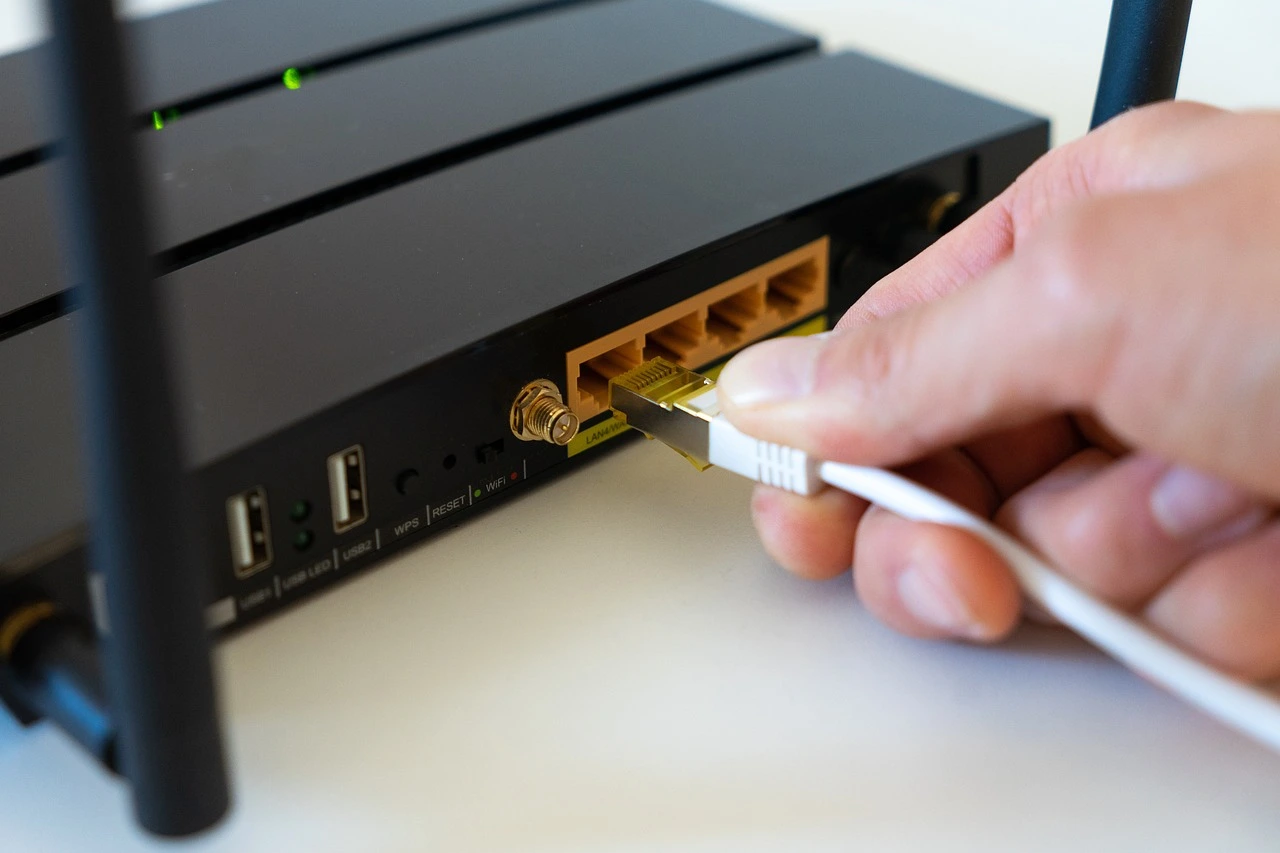
Most homes still use BDT 1,200–1,800 routers. These cannot handle modern traffic.
Signs your router is the bottleneck
Speed is fast on cable, slow on WiFi.
WiFi drops in the next room.
Speed falls when 3+ devices connect.
The router feels hot.
Cheap routers handle only 20–30 Mbps real speed, even if your line is 50 Mbps.
How to fix router-related slow internet
Upgrade to:
Dual-band router (2.4 GHz + 5 GHz)
Minimum AC1200 standard
4 external antennas
Gigabit WAN port
Good router specs:
Feature | Minimum |
|---|---|
WiFi Standard | 802.11ac |
Speed | AC1200 |
RAM | 128 MB |
Antennas | 4 |
Place router:
Centre of home
5 feet above the floor
Away from microwaves and metal objects
best WiFi router for home in Bangladesh
3. Old or Damaged Fiber Cable in Your Area

Most Viewed Posts




Recent Posts